TA-DA!
The Sound isn't working correctly, I tried uploading it to photobucket, vimeo and youtube.
BUT I did upload it to my dropbox public folder, and all the sound works fine (or so i hope!): http://dl.dropbox.com/u/21078363/Final%20Bunny%20Animation2.mov {dropbox file}

Showing posts with label Project One. Show all posts
Showing posts with label Project One. Show all posts
Thursday, February 16, 2012

Sunday, February 12, 2012
Project Hiroshi- Week 3.5
I switched back to Photoshop for convenience sake. I shall tackle After Effects another day.
Progress>>
Thursday, February 9, 2012
Project Hiroshi- Week 3
So, in edition to the other 2 experiments...here's my bunny sketches a-movin'!
Huzzah!
PS: i learned you can render videos from photoshop! whoodathunk?
Huzzah!
PS: i learned you can render videos from photoshop! whoodathunk?
Tuesday, February 7, 2012
In class Notes 2.7.12
Before I forget! Here we go:
TODAY I LEARNED HOW TO OPEN AFTER EFFECTS! :D
Here's What I learned:
-Open After Effects
-Your layer panel is on the left, holding all of your "back stage" elements, the Composition is the big rectangle in the middle, which acts as your "stage", and below is the timing and timeline.
-Click "Composition" in top, and New Composition
-Name your composition, select the file size, frame rate (24) and time. click ok.
-Now your composition is "backstage" YAY!
-File SaveAs....save this AEP file in the same place your psd/other files are that you are about to import.
-Next you go to file, import, and import your selected file. This will also show up in your layer panel on the left. You can now drag elements onto the composition and use the timeline below to edit.
-When saving, pull up your "Render Queue" which will overtake the timeline window.
-Drag down your most recently saved composition. Play with the clickable options to get a .mov file (pick quicktime not the .avi) and hit Render. <>
Here's what I got done in class today :D
TODAY I LEARNED HOW TO OPEN AFTER EFFECTS! :D
Here's What I learned:
-Open After Effects
-Your layer panel is on the left, holding all of your "back stage" elements, the Composition is the big rectangle in the middle, which acts as your "stage", and below is the timing and timeline.
-Click "Composition" in top, and New Composition
-Name your composition, select the file size, frame rate (24) and time. click ok.
-Now your composition is "backstage" YAY!
-File SaveAs....save this AEP file in the same place your psd/other files are that you are about to import.
-Next you go to file, import, and import your selected file. This will also show up in your layer panel on the left. You can now drag elements onto the composition and use the timeline below to edit.
-When saving, pull up your "Render Queue" which will overtake the timeline window.
-Drag down your most recently saved composition. Play with the clickable options to get a .mov file (pick quicktime not the .avi) and hit Render. <>
Here's what I got done in class today :D
Hungry Bunny v1 from Monica Cronin on Vimeo.
Thursday, February 2, 2012
Project Hiroshi- Week 2


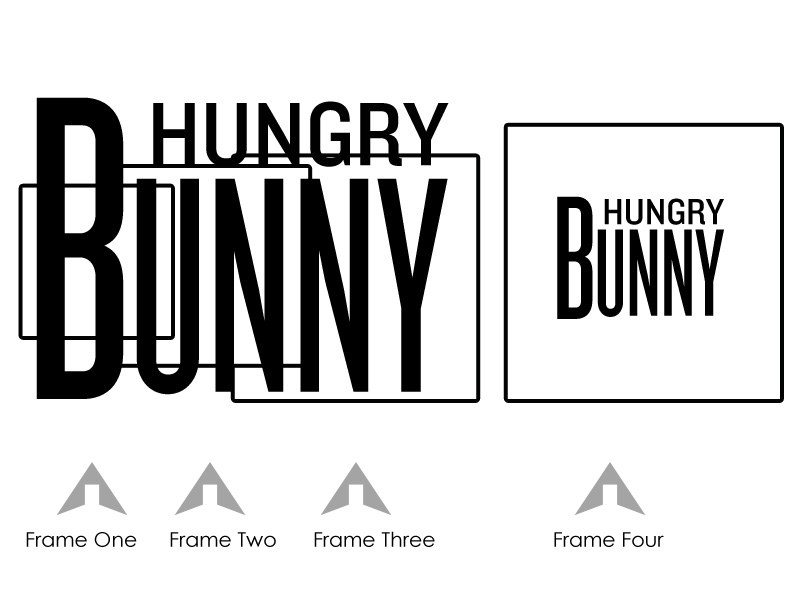


This first project, like I said in my last post, is more about the animation and mechanics of creating an animated image than it is about showing off my drawing/concepting skills.
So here we have more sketches, and some preplanning of details, logo, and environment for the animated final.
Monday, January 23, 2012
Project Hiroshi- Week 1


For this Design for Media class, we do 3 projects throughout the course of the semester. Each project is inspired by a faculty member in the department, and then we take our own spin off from there. This Project was inspired by Hiroshi Hayakawa. He has 2 different styles to his artwork [see here], and therefore we had 2 choices with this project. "Figure as Landscape" where the figure blends into or becomes the landscape and the viewer sees first a landscape, and then a figure. Or we could do a menagerie, because Hiroshi enjoys making paper animals, and has created a few books about them, which you can see here.
![[see here]](http://design4media.files.wordpress.com/2012/01/projecthiroshi_crabfigure.jpg)
I chose the first prompt, though my definition of "figure" falls more into the menagerie prompt. I decided to make my main character a bunny, hopping along in a landscape. It is a simple story, but because this is my first animation, I wanted to worry more about the mechanics and less about the storyline.
The animation will start out with a close up on leaves/landscape/foliage (still to be decided) with the bunny hiding among them. The viewer doesn't realize the bunny is there, until it jumps out of the frame. The next sequence is a very zoomed out view of the landscape, where the bunny hops across the frame from left to right. Finally the bunny stops, the background is white, and a piece of the "title" (still to be decided) is visible. The bunny smiles and rears back to take a bite out of the text...and then it cuts to the bunny sitting next to the title...minus a bite.
I think this is something that I can accomplish in 4 weeks, this first week was for planning and sketching, next week I will do the environments and final look of the bunny. Then weeks 3&4 can be dedicated to animation.
Subscribe to:
Posts (Atom)